
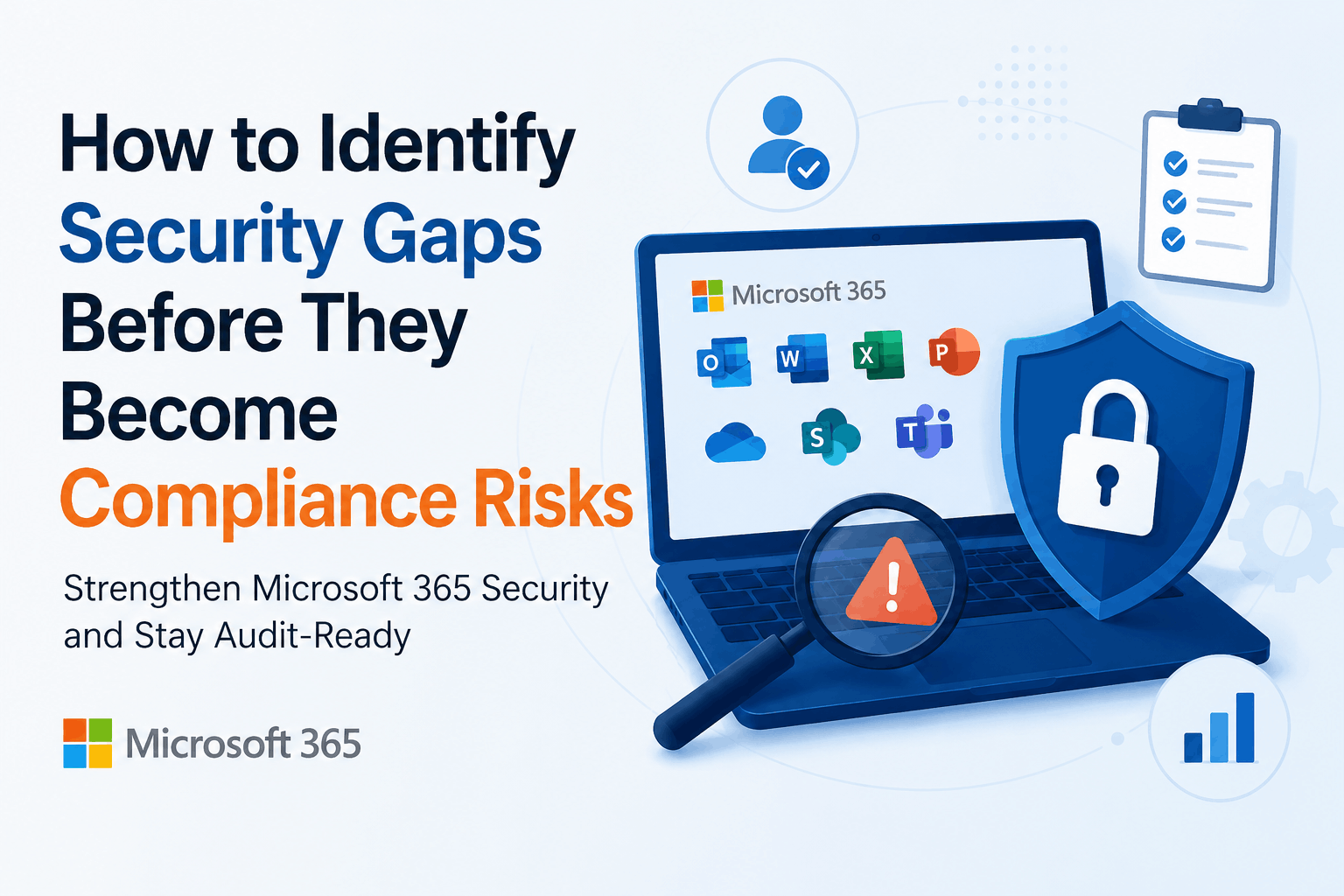
How to Identify Security Gaps Before They Become Compliance Risks
Businesses today rely on Microsoft 365 for email, collaboration, document management, and identity services. While the platform includes powerful security capabilities, many organizations unknowingly leave critical settings unconfigured or fail to review them as their environment evolves. These hidden security gaps may not cause immediate problems, but over time they can turn into serious compliance risks, increase the likelihood of cyberattacks, and lead to costly regulatory penalties.
From my experience working with Microsoft cloud environments, one of the biggest misconceptions is that purchasing Microsoft 365 Business Premium or Microsoft 365 E5 automatically provides complete protection. In reality, security depends on how the platform is configured, monitored, and continuously improved. Licenses provide the tools, but organizations must ensure those tools are properly implemented.
This is where Microsoft 365 security assessment services become valuable. Rather than reacting after an audit failure or security incident, businesses can proactively identify weaknesses, improve their security posture, and meet compliance requirements before they become business risks.
A well executed security assessment not only strengthens cybersecurity but also builds confidence among customers, partners, auditors, and stakeholders that your organization takes data protection seriously.
Why Security Gaps Often Remain Hidden
Microsoft 365 is a constantly evolving platform. New users join the organization, permissions change, applications are integrated, devices are added, and Microsoft frequently introduces new security capabilities. Over time, even a well secured environment can drift away from best practices if it is not regularly reviewed.
Small configuration issues often go unnoticed because daily business operations continue without interruption. However, these seemingly minor problems gradually create larger risks. Privileged accounts may have excessive permissions, inactive users may still retain access, legacy authentication protocols may remain enabled, or external sharing settings may become overly permissive.
Organizations usually discover these weaknesses during an external audit, customer security questionnaire, or after investigating a phishing attack or ransomware incident. At that stage, remediation becomes far more expensive and disruptive than it would have been through a proactive review.
If your organization has never completed a Microsoft 365 Security Assessment, there is a good chance hidden risks already exist within your environment.
How Security and Compliance Work Together
Many organizations treat cybersecurity and compliance as separate initiatives, but they are closely connected. Compliance frameworks such as ISO 27001, SOC 2, HIPAA, GDPR, PCI DSS, and NIST all require organizations to implement effective security controls to protect sensitive information.
Auditors do not simply verify whether Microsoft 365 is being used. They evaluate whether appropriate safeguards are in place to reduce business risk. These safeguards include identity protection, access management, audit logging, data governance, security monitoring, and incident response processes.
Organizations with mature security practices generally perform much better during compliance audits because their security controls already align with regulatory expectations.
Businesses looking to strengthen their environment should also review our guide on Microsoft 365 Security Best Practices, which complements a comprehensive security assessment.
What Is a Microsoft 365 Security Assessment?
A Microsoft 365 security assessment is a structured evaluation of your Microsoft 365 tenant to identify security weaknesses, configuration issues, compliance gaps, and opportunities for improvement. Unlike a traditional vulnerability scan that focuses primarily on technical flaws, a security assessment reviews the overall security posture of your Microsoft 365 environment.
The assessment examines identities, user access, email protection, endpoint security, collaboration tools, sensitive data, compliance configurations, logging, monitoring, and governance policies. The goal is to understand whether your Microsoft 365 deployment follows Microsoft’s recommended security practices and supports your organization’s regulatory obligations.
Instead of overwhelming IT teams with hundreds of technical findings, a professional assessment prioritizes recommendations according to business impact and risk. This allows organizations to address the most critical issues first while creating a long term roadmap for continuous improvement.
Key Areas Reviewed During a Microsoft 365 Security Assessment
Identity and Access Management
Identity is the foundation of Microsoft 365 security. Since stolen credentials remain one of the most common causes of successful cyberattacks, identity protection is usually the first area reviewed during an assessment.
Security specialists verify whether Multi Factor Authentication is enforced, Conditional Access policies are configured correctly, privileged accounts follow least privilege principles, guest access is appropriately controlled, and legacy authentication has been disabled.
Organizations with mature identity security significantly reduce the risk of unauthorized access and credential based attacks.
If your organization is planning identity modernization, our Microsoft Entra ID Assessment provides additional guidance for securing modern identities.
Email Security
Email continues to be the preferred attack vector for cybercriminals. Phishing campaigns, business email compromise, ransomware, and malicious attachments remain responsible for many successful security breaches.
A Microsoft 365 security assessment evaluates Microsoft Defender for Office 365 policies, anti phishing configuration, Safe Links, Safe Attachments, spam protection, domain authentication, and email threat detection capabilities.
Businesses can further strengthen protection by reviewing our article on Office 365 Email Security Best Practices.
Not Sure Whether Your Microsoft 365 Environment Is Fully Secure?
Identify hidden risks before they impact your business.
Data Protection and Information Governance
Modern organizations generate and store large amounts of sensitive information across SharePoint, OneDrive, Microsoft Teams, and Exchange Online. Without proper governance, confidential data can easily be shared externally or accessed by unauthorized users.
A security assessment reviews Data Loss Prevention policies, Microsoft Purview configuration, sensitivity labels, encryption settings, retention policies, external sharing permissions, and information protection controls.
Many compliance failures originate from incorrect data governance rather than external attacks. Reviewing these settings regularly helps reduce both security and regulatory risks.
For organizations implementing Microsoft Purview, we recommend reading Common Microsoft Purview Deployment Mistakes and How to Avoid Them.
Security Monitoring and Threat Detection
Effective security requires continuous visibility. Organizations often deploy Microsoft security solutions but never fully configure monitoring or alerting capabilities.
A Microsoft 365 security assessment evaluates audit logging, Microsoft Defender alerts, Microsoft Sentinel integration, incident response readiness, privileged activity monitoring, and threat visibility.
Without centralized monitoring, organizations may not detect suspicious activity until significant damage has already occurred.
Businesses that require continuous monitoring should also explore our Microsoft Sentinel Services and Managed SOC Services.
Warning Signs Your Organization Needs a Security Assessment
Many organizations postpone security reviews until an audit is approaching or after experiencing a security incident. In reality, there are several warning signs that indicate an assessment should be performed sooner.
You should consider Microsoft 365 security assessment services if your organization has experienced rapid growth, recently migrated to Microsoft 365, enabled remote work, integrated third party applications, expanded external collaboration, or has never completed a formal security review.
Similarly, recurring phishing attacks, increasing compliance requirements, or frequent administrative changes often indicate that your environment would benefit from a comprehensive assessment.
Benefits of Microsoft 365 Security Assessment Services
A professional security assessment delivers benefits that extend beyond technical improvements. Organizations gain greater visibility into their security posture, reduce compliance risks, strengthen identity protection, improve email security, enhance data governance, and increase confidence in their ability to respond to cyber threats.
Perhaps the greatest benefit is clarity. Leadership gains a prioritized roadmap for improving security rather than relying on assumptions or reacting to incidents after they occur.
Best Practices to Prevent Future Compliance Risks
Security is not a one time project. As Microsoft continues introducing new capabilities and cyber threats evolve, organizations should regularly evaluate their security posture.
Following a few consistent practices can significantly reduce long term risk:
- Review Microsoft 365 security settings regularly.
- Enable Multi Factor Authentication across all users.
- Apply least privilege access principles.
- Protect sensitive information using Microsoft Purview.
- Monitor security alerts continuously.
- Review external sharing permissions frequently.
- Conduct periodic Microsoft 365 security assessments.
These proactive measures strengthen security while making compliance significantly easier to maintain.
Final Thoughts
Compliance failures rarely happen because organizations lack security technology. More often, they occur because existing security capabilities are not configured, monitored, or reviewed consistently.
Investing in Microsoft 365 security assessment services allows organizations to identify hidden security gaps before they become audit findings, regulatory violations, or costly cyber incidents. By taking a proactive approach to security, businesses improve resilience, strengthen compliance readiness, and protect the data that matters most.
Strengthen Your Microsoft 365 Security Before Compliance Becomes a Challenge
Discover hidden risks, improve your security posture, and prepare for your next audit with confidence.
