
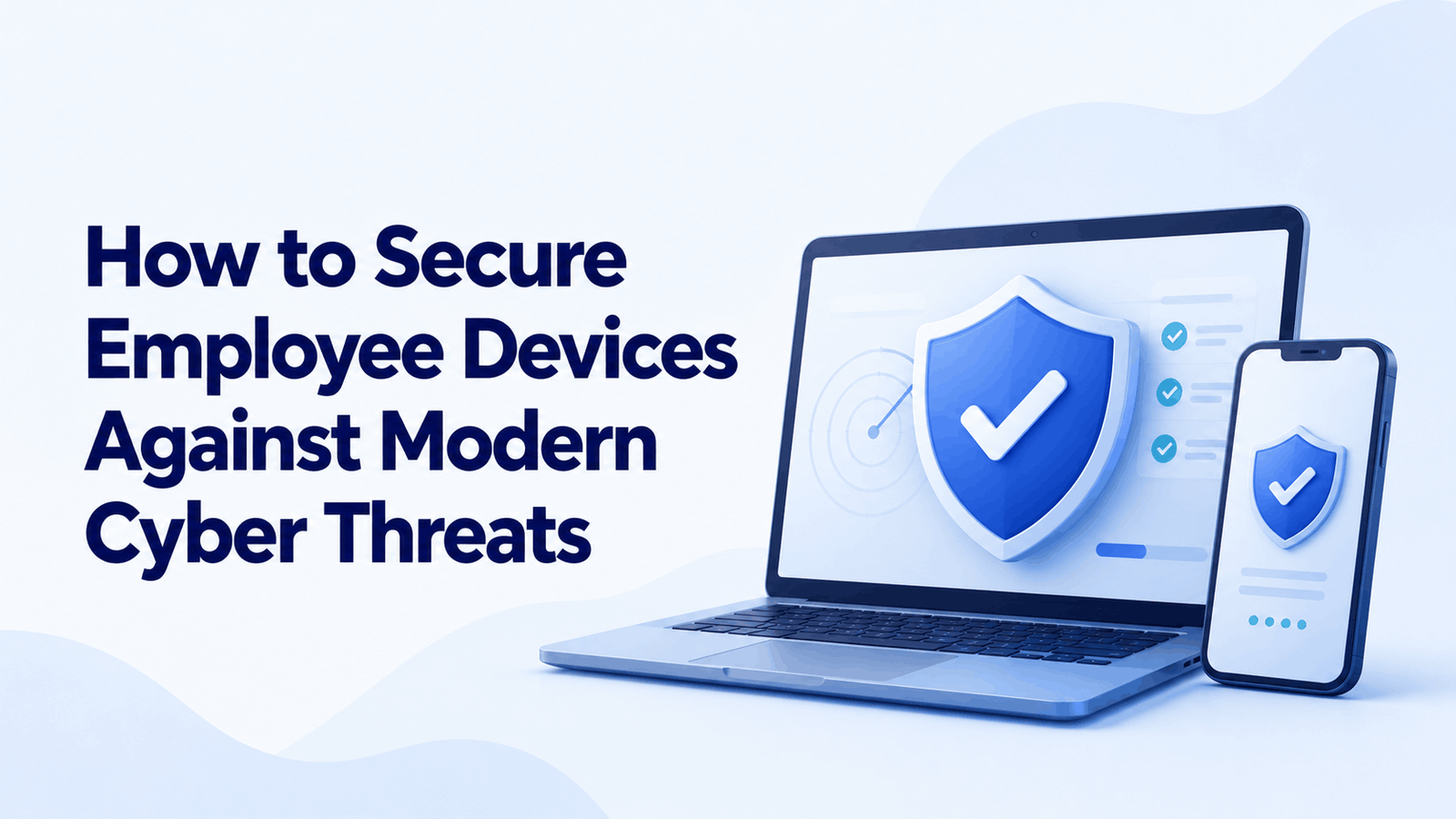
How to Secure Employee Devices Against Modern Cyber Threats
An employee clicks a link in an email, enters their Microsoft 365 password on a convincing fake login page, and returns to work. Nothing appears unusual. But if the attacker uses those credentials to access company files, the incident can quickly become more serious than a single compromised account.
This is why securing employee devices requires more than installing antivirus software. Businesses must protect the device, verify the user’s identity, control access to company data, and detect suspicious activity before an attacker can move further into the environment.
For IT managers supporting hybrid teams, the challenge is consistency. A company laptop, a remote employee’s workstation, and a personal device accessing business applications may have very different security configurations. Closing these gaps requires a coordinated endpoint security strategy.
Where Employee Device Security Commonly Breaks Down
Security weaknesses often emerge between existing controls rather than from a complete lack of security software.
Consider a business that already uses endpoint protection and multi-factor authentication. An employee’s laptop misses several security updates, a legacy application remains exposed, and the device is still permitted to access sensitive cloud resources. If an attacker compromises the endpoint, the organization may have limited visibility into what happens next.
Three questions help identify this type of exposure:
- Can the device be trusted? Is it updated, encrypted, protected by security software, and compliant with company policy?
- Can the user access everything? Does the employee have permissions beyond what their role requires?
- Can suspicious activity be detected? Will the security team receive useful alerts if the device starts behaving abnormally?
A strong security program addresses all three. Our guide to common endpoint security threats provides additional context on the risks businesses need to consider.
5 Practical Ways to Strengthen Employee Endpoint Security
1. Make Device Compliance a Condition of Access
One of the most effective improvements is to stop treating every device as equally trustworthy.
Before allowing access to corporate applications, evaluate whether the device meets defined security requirements. These might include supported operating systems, current security updates, disk encryption, an active endpoint protection agent, and an acceptable device risk level.
For organizations using Microsoft 365, Microsoft Intune can manage device configurations and compliance policies, while Microsoft Entra Conditional Access can use device and sign-in signals to control access.
For example, an employee signing in from a compliant company laptop may receive normal access, while a device that fails critical security requirements may be blocked or restricted until the issue is resolved.
Explore our guides to Microsoft Intune device compliance policies and Microsoft Entra Conditional Access best practices for implementation considerations.
2. Choose Endpoint Protection Based on Detection and Response Needs
Antivirus remains useful, but businesses should not assume that malware prevention alone provides complete endpoint protection.
Modern attacks may involve stolen credentials, malicious scripts, suspicious administrative activity, or legitimate tools being misused. Endpoint Detection and Response (EDR) solutions add behavioral monitoring and investigation capabilities that help security teams identify activity that traditional signature-based detection may miss.
When evaluating an endpoint security tools list, compare products against the threats your organization needs to detect, not just the number of features advertised.
Assess whether a solution can:
- Detect suspicious processes, scripts, and credential-related activity.
- Investigate an alert using endpoint activity and supporting evidence.
- Isolate a compromised device when appropriate.
- Integrate with identity protection and centralized security monitoring.
- Support your operating systems, licensing model, and IT team’s response capacity.
Microsoft Defender for Endpoint, available through eligible Microsoft security offerings, is one option to evaluate. Organizations should confirm the capabilities included in their specific licensing plan.
For a more detailed comparison, read EDR vs. antivirus: which offers better protection?.
3. Reduce the Damage a Compromised Device Can Cause
Preventing every attack is unrealistic. The next priority is limiting what an attacker can do after gaining access.
Start by removing unnecessary local administrator privileges, restricting access to sensitive applications, and separating privileged accounts from everyday user accounts. Apply multi-factor authentication and review access permissions regularly.
A zero-trust approach adds another layer: access should depend on verified identity, device health, and the sensitivity of the resource being accessed, rather than simply whether a user is connected to the corporate network.
For remote employees and contractors, review whether full network access is necessary or whether access should be limited to specific applications.
Our guide to zero-trust network access versus VPN explains the differences between these approaches.
4. Close the Gap Between Security Alerts and Action
Deploying security software is only part of the job. Alerts must reach someone who can investigate and respond.
An organization may have excellent detection technology but still face unnecessary risk if alerts are ignored, misconfigured, or buried among false positives.
Establish a response process that identifies who investigates high-risk alerts, when a device should be isolated, how evidence is preserved, and who approves restoration of access.
Review recurring alerts to identify underlying problems, such as outdated software, misconfigured policies, or repeated suspicious sign-ins. Where Microsoft security tools are in use, review Microsoft 365 Defender alert-tuning best practices to improve alert quality.
For organizations without round-the-clock internal coverage, managed security operations can provide additional monitoring and incident-response support. Learn more about managed SOC services.
5. Treat Personal and Unmanaged Devices Differently
Employees may use personal laptops or phones to access email, collaboration platforms, and business documents. Applying the same assumptions to managed and unmanaged devices creates avoidable exposure.
Define which devices are permitted, what information they can access, and which security controls are mandatory. Depending on the organization’s requirements, options include managed-device access, application-level protection, restricted browser access, or virtual desktop environments.
When a device is lost, stolen, or no longer used by an employee, ensure there is a documented process for revoking sessions, removing corporate access, and protecting business data.
Device management policies should also account for employee privacy, particularly when personal devices are involved.
Which Endpoint Security Tools Should Your Business Prioritize?
There is no single product that addresses every endpoint risk. Choose tools according to the security gaps you need to close and the team’s ability to operate them.
| Security requirement | Tool category | What to evaluate |
| Malware prevention and behavioral detection | Antivirus and EDR | Detection coverage, investigation, and isolation |
| Device configuration and compliance | MDM/UEM | Policy enforcement, inventory, and remote actions |
| Access based on identity and device health | IAM and Conditional Access | MFA, least privilege, and access restrictions |
| Vulnerability remediation | Patch management | Update coverage, prioritization, and reporting |
| Sensitive data protection | Data Loss Prevention (DLP) | Controls for sharing, copying, and transferring data |
| Continuous threat monitoring | SIEM and managed SOC | Alert correlation, escalation, and response coverage |
For Microsoft-focused environments, Intune, Microsoft Defender, Entra ID, Microsoft Purview, and Microsoft Sentinel may form parts of an integrated security architecture. Their suitability depends on licensing, configuration, existing infrastructure, and operational requirements.
How to Measure Whether Your Controls Are Working
Security improvements should be measurable. Start with a baseline and track a small set of operational indicators:
- Device compliance: What percentage of active devices meet mandatory security requirements?
- Patch exposure: How many devices remain vulnerable to critical or actively exploited issues?
- Detection coverage: Are all supported endpoints reporting to the intended security platform?
- Response time: How quickly are high-severity alerts investigated and contained?
- Access exceptions: How many users or devices bypass standard security requirements, and why?
Review these indicators monthly and investigate persistent gaps. A high compliance score is useful, but it should not conceal missing devices, ineffective policies, or unresolved high-risk vulnerabilities.
Build a More Resilient Endpoint Security Strategy
Employee device security is not simply a software purchasing decision. It depends on whether devices are managed consistently, access is restricted appropriately, threats are detected, and incidents receive timely attention.
NG Cloud Security helps organizations assess their security posture and strengthen endpoint protection through practical security and IT solutions. If your business needs to identify device-level gaps, improve Microsoft security configurations, or establish a more consistent protection strategy, explore our endpoint security assessment services or contact our team to discuss your requirements.
