

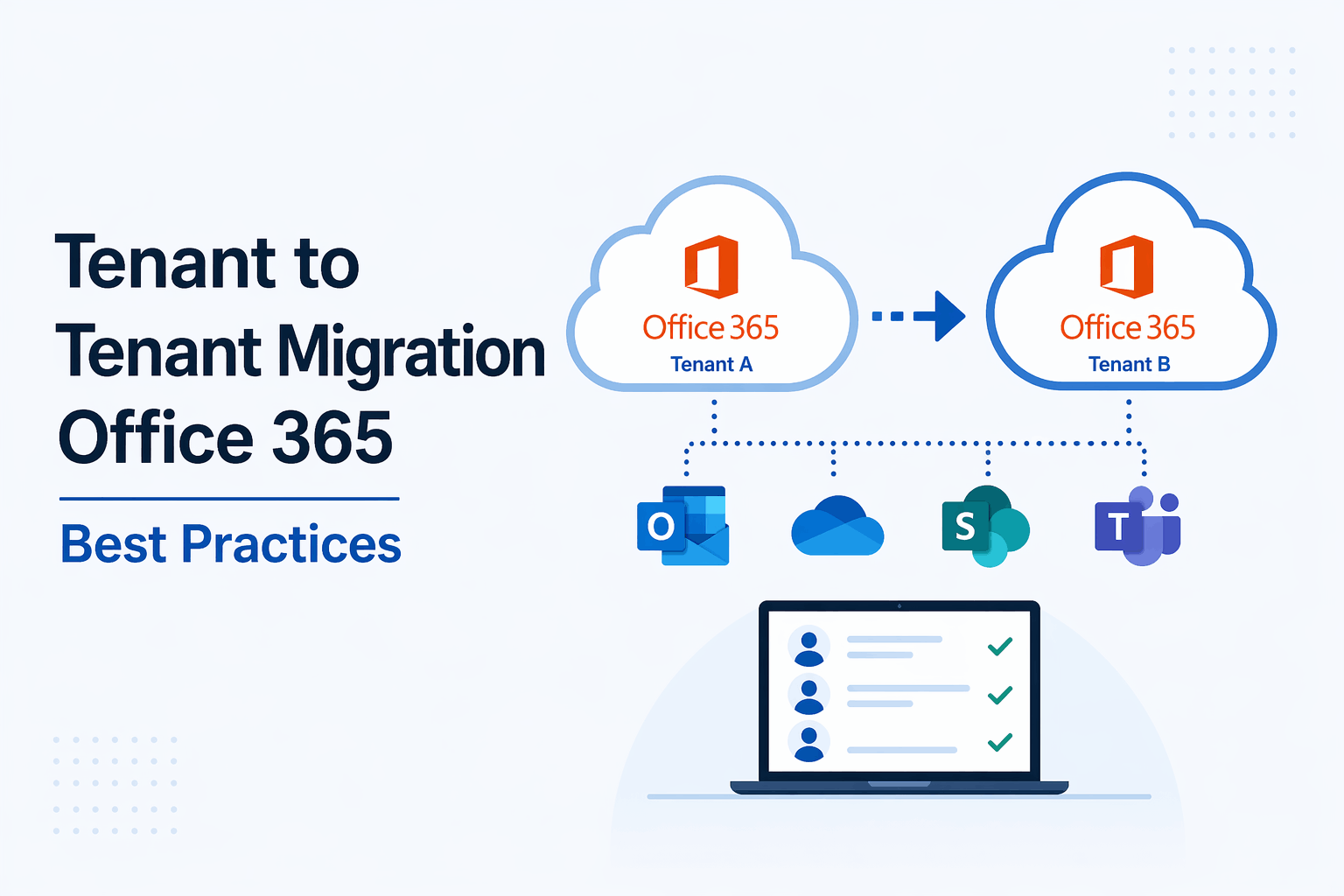
Tenant to Tenant Migration Office 365 Best Practices
Migrating from one Microsoft 365 tenant to another is not just a technical task. It is a strategic move that can impact business continuity, security, and user experience. In my experience, many organizations underestimate the complexity of tenant to tenant migration Office 365 projects, which leads to delays, data risks, and operational disruption.
This guide explains the best practices to ensure a smooth and secure migration while keeping your business operations stable.
What is Tenant to Tenant Migration in Office 365
Tenant to tenant migration Office 365 refers to the process of moving data, users, and services from one Microsoft 365 tenant to another. This usually happens during mergers, acquisitions, restructuring, or when organizations want better control over their cloud environment.
The migration includes Exchange Online mailboxes, OneDrive data, SharePoint sites, Teams, and user identities. If you are planning a broader transformation, understanding types of cloud migration can help you choose the right strategy.
Why Proper Planning Matters
One of the biggest mistakes I have seen is starting migration without a clear plan. This approach often creates confusion and affects users directly.
A well defined migration plan helps you
- Understand the data scope
- Identify dependencies
- Reduce downtime
- Maintain compliance and security
Before starting, always perform a complete assessment of your current tenant. Many organizations benefit from a structured Microsoft 365 security assessment to identify risks before migration.
Key Challenges in Tenant to Tenant Migration Office 365
Migration is not just copying data. There are several challenges involved.
Identity and Authentication Issues
Users exist in both tenants but with different identities. Mapping them correctly is critical. Leveraging strong identity controls like Azure Active Directory services helps streamline this process.
Data Integrity Risks
Emails, files, and permissions must remain intact during migration.
Downtime and User Disruption
Poor planning can result in users losing access to emails and files.
Security and Compliance
Data must be transferred securely without violating regulations. Following cloud security best practices is essential during this phase.
Understanding these challenges early helps you build a stronger migration strategy.
Best Practices for Tenant to Tenant Migration Office 365
1. Start with a Detailed Assessment
Begin by analyzing your source and target tenants. Identify what needs to be migrated and what can be archived or removed. Clean data reduces migration time and cost.
Focus on
- Active users and mailboxes
- SharePoint and OneDrive data
- Microsoft Teams structure
- Permissions and access controls
2. Create a Migration Strategy
Choose the right approach based on your business needs.
- Staged migration for large organizations
- Cutover migration for smaller environments
- Hybrid approach when minimal downtime is required
In my experience, a phased migration reduces risk and allows better control. If you are unsure where to start, exploring cloud migration solutions can give clarity.
3. Use Reliable Migration Tools
Native tools from Microsoft have limitations. Third party tools often provide better flexibility, reporting, and automation.
Look for tools that support
- Mailbox migration
- SharePoint and OneDrive transfer
- Permission mapping
- Detailed reporting
Choosing the right tool can significantly reduce manual effort and aligns well with professional Microsoft 365 data migration services.
4. Plan Identity and Domain Transition
Domain transfer is one of the most sensitive parts of tenant to tenant migration Office 365.
Steps include
- Remove domain from source tenant
- Verify domain in target tenant
- Update DNS records
Also ensure user identities are mapped correctly to avoid login issues. Strong identity governance supported by modern IAM practices plays a key role here.
5. Maintain Security and Compliance
Security should never be compromised during migration.
Ensure
- Data is encrypted during transfer
- Access controls are validated post migration
- Compliance policies are reconfigured in the target tenant
From a security perspective, aligning with Zero Trust security services ensures only verified access is allowed.
6. Communicate with Users
User communication is often ignored but is very important.
Inform users about
- Migration timeline
- Expected downtime
- Changes in login or access
Clear communication reduces confusion and support tickets.
7. Test Before Full Migration
Run pilot migrations with a small group of users. This helps identify issues early.
Test
- Mail flow
- File access
- Permissions
- Application integrations
Testing gives confidence before executing full scale migration.
8. Monitor and Validate After Migration
Migration does not end after data transfer. Validation is equally important.
Check
- Data completeness
- User access
- Email functionality
- SharePoint and Teams performance
Continuous monitoring supported by managed IT and security operations ensures long term stability.
Common Mistakes to Avoid
Based on my experience, here are some mistakes you should avoid
- Skipping pre migration assessment
- Ignoring user communication
- Not testing migration process
- Underestimating data dependencies
- Overlooking security controls
Avoiding these mistakes can save time, cost, and effort.
Final Thoughts
Tenant to tenant migration Office 365 is a complex process that requires careful planning, execution, and validation. It is not just about moving data but ensuring business continuity, user productivity, and security.
A structured approach that includes assessment, strategy, testing, and monitoring can make the migration seamless. When done right, it becomes an opportunity to optimize your cloud environment, improve security posture, and align IT with business goals.
You can check Microsoft’s official guide on tenant to tenant migration.
If you treat migration as a transformation initiative rather than just a technical task, the results will be far more impactful. For organizations looking to accelerate securely, exploring Microsoft 365 managed services can provide ongoing support and expertise.
