
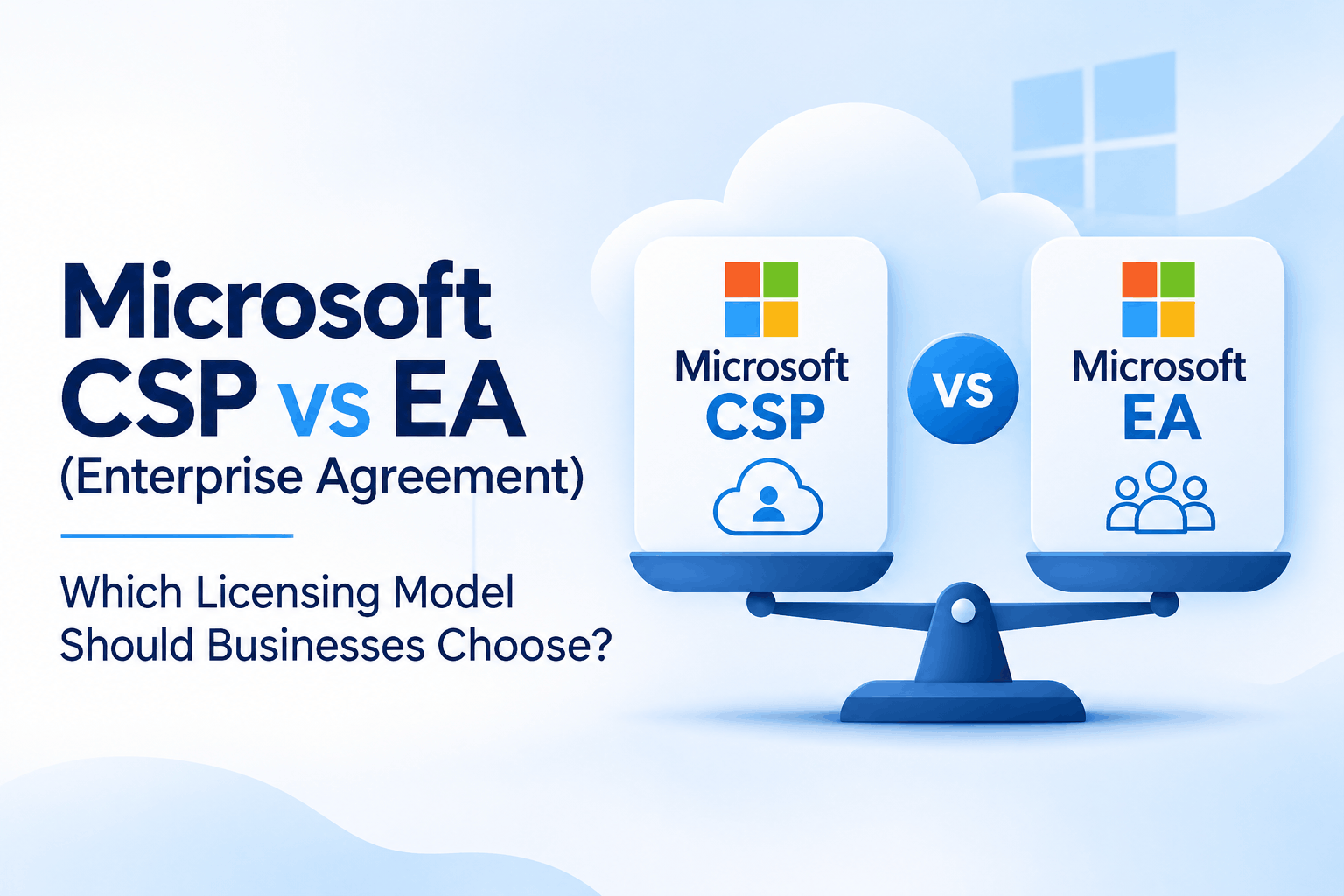
Microsoft CSP vs EA (Enterprise Agreement): Which Licensing Model Should Businesses Choose?
Choosing the right Microsoft licensing model is more than a purchasing decision. It affects your IT budget, subscription flexibility, license management, and ability to scale as your business grows.
For example, a company with 100 employees and frequent hiring requirements may prefer the flexibility of cloud subscriptions. A large enterprise with predictable licensing needs across multiple departments may find a structured, long-term agreement more suitable.
This is where Microsoft’s Cloud Solution Provider (CSP) programme and Enterprise Agreement (EA) come into consideration.
Both provide access to Microsoft products and cloud services, but they differ in purchasing structure, commercial commitments, and ongoing management.
Let’s understand which model makes more sense for different business requirements.
Understanding Microsoft CSP and Enterprise Agreement
What is Microsoft CSP?
The Cloud Solution Provider (CSP) programme allows businesses to purchase Microsoft cloud subscriptions through an authorized Microsoft partner.
The partner manages the commercial relationship, subscription procurement, billing, and agreed support services.
For example, a business using Microsoft 365 Business Premium for 75 employees can purchase licenses through a CSP partner and add subscriptions as its workforce grows.
Depending on the product and offer, CSP provides monthly, annual, or three-year subscription terms.
One important distinction: monthly billing does not necessarily mean monthly cancellation flexibility. An annual subscription billed monthly still carries an annual commitment.
CSP is particularly useful for businesses that want flexibility and access to partner-led licensing and technical support.
What is a Microsoft Enterprise Agreement?
An Enterprise Agreement is a volume licensing arrangement designed for eligible organizations with substantial Microsoft licensing requirements.
A traditional commercial EA generally requires at least 500 qualified users or devices, while public sector eligibility generally starts at 250.
The standard agreement term is 3 years.
One important feature is the annual True-up process, which allows eligible organizations to report additional users or devices added during the agreement.
For example, an enterprise starting with 600 licensed employees and growing to 720 can account for eligible additional requirements through the True-up process.
EA is generally suited to organizations that need structured procurement, centralized licensing, and longer-term commercial commitments.
Microsoft CSP vs EA: Key Differences
| Comparison | Microsoft CSP | Enterprise Agreement |
| Purchasing | Through an authorized partner | Enterprise volume licensing agreement |
| Typical users | Small, mid-sized and large businesses | Eligible medium and large enterprises |
| Commitment | Depends on subscription term | Generally 3 years |
| Minimum requirement | No general 500-seat threshold | Generally 500 commercial users/devices |
| Billing | Monthly or annual, depending on offer | Annual or upfront payment options |
| Adding licenses | Additional subscriptions can be purchased | Managed through ordering and True-up |
| Reducing licenses | Subject to subscription terms | Subject to agreement conditions |
| Cloud services | Yes | Yes |
| Partner involvement | CSP partner manages commercial relationship | Enterprise licensing partner and Microsoft support |
Actual terms depend on the product, subscription SKU, enrollment, and commercial agreement.
Need help comparing Microsoft licensing options?
1. Licensing Costs: Which Model Offers Better Value?
A common mistake businesses make is comparing only the price per license.
CSP pricing depends on the selected subscription, commitment, billing frequency, and partner offer. EA pricing depends on volume, product commitments, enrollment structure, and negotiated commercial terms.
Consider an organization with 550 employees. Not everyone may need the same Microsoft 365 subscription. Some employees might need Business or basic productivity plans, while others require advanced security and compliance features.
Committing to an unsuitable licensing structure can increase costs, even when the organization receives a volume discount.
Before choosing, evaluate:
- Number of users requiring each Microsoft 365 plan.
- Existing subscriptions and renewal dates.
- Advanced security and compliance requirements.
- Unused or incorrectly assigned licenses.
- Commercial discounts and contractual commitments.
- Total licensing expenditure over 3 years.
A 3-year cost comparison is more useful than simply comparing the first invoice.
2. Flexibility and Workforce Growth
Workforce changes can significantly influence licensing requirements.
A growing business may hire employees throughout the year, while another organization may maintain a relatively stable workforce.
With CSP, businesses can select eligible subscription terms and add licenses as requirements increase. However, reducing subscriptions depends on the selected term and applicable cancellation or renewal conditions.
With EA, eligible additional users and devices can be managed through the True-up process.
For example, a company purchasing 100 annual CSP subscriptions cannot automatically reduce its commitment to 85 halfway through the term just because 15 employees leave.
Similarly, EA should not be treated as an agreement that allows unrestricted changes to existing commitments.
Our recommendation: Review expected hiring, employee turnover, contractor requirements, and subscription renewal dates before making a licensing decision.
3. Support and License Management
The partner relationship is an important consideration when selecting CSP.
Some CSP partners primarily sell Microsoft subscriptions, while others provide ongoing technical assistance, license optimization, deployment, and managed services.
For businesses using Microsoft 365 extensively, this difference matters.
Purchasing a license is only the beginning. Organizations also need to ensure that users receive appropriate subscriptions and that the environment is configured securely.
EA provides a structured enterprise licensing relationship, which may be more suitable for organizations with dedicated IT and procurement teams managing complex agreements.
Before selecting either model, understand what support is actually included rather than assuming every partner provides the same services.
4. Microsoft 365 Security Requirements Matter Too
Licensing decisions should also consider the organization’s security requirements.
Imagine 2 companies with 150 employees. One primarily needs email and collaboration tools. The other handles sensitive customer information and requires advanced identity protection, endpoint security, and data governance.
Both organizations may need different Microsoft 365 plans.
Depending on their requirements, businesses may need to evaluate:
- Microsoft Entra ID for identity and access management.
- Microsoft Defender for endpoint and threat protection.
- Microsoft Purview for information protection and data loss prevention.
- Microsoft Intune for device management.
These capabilities are not included in every Microsoft 365 subscription. Their availability depends on the selected plan and add-ons.
Rather than upgrading every employee to a higher subscription, review which users genuinely require advanced capabilities.
A Microsoft 365 Security Assessment can help identify security gaps and align licensing requirements with the organization’s protection needs.
5. Can Businesses Move Between CSP and EA?
Yes, businesses can evaluate a change in licensing procurement models, but the transition needs careful planning.
Before moving from EA to CSP or the other way around, review:
- Existing subscription commitments and renewal dates.
- Product and license compatibility.
- Microsoft 365 tenant continuity.
- Azure reservations and other commitments.
- Security and compliance capabilities.
- Financial impact of the transition.
Changing the purchasing channel does not automatically require a Microsoft 365 tenant migration. However, existing contractual obligations and product eligibility must be checked to avoid unnecessary costs or service disruption.
Which Licensing Model Should Your Business Choose?
The right option depends on your organization’s size, licensing requirements, growth plans, and procurement strategy.
CSP may be a better fit if:
- You have a small or mid-sized workforce.
- Your employee count changes frequently.
- You prefer subscription-level purchasing flexibility.
- You want partner-led billing and licensing management.
- You need additional Microsoft 365 consulting or managed services.
EA may be worth considering if:
- You meet the applicable minimum requirements.
- You have substantial and predictable licensing needs.
- You operate across multiple departments or locations.
- You need centralized enterprise procurement.
- You want negotiated commercial terms over a longer period.
However, having 500 or more employees does not automatically make EA the better choice. A business should compare its actual licensing requirements and total cost before committing.
How NG Cloud Security Helps with Microsoft Licensing
At NG Cloud Security, we believe Microsoft licensing should reflect how an organization actually operates.
Businesses need more than a license quotation. They need clarity on which subscriptions are appropriate, whether advanced security features are required, and how licensing decisions will affect future IT costs.
NG Cloud Security helps organizations with Microsoft licensing guidance, CSP procurement, Microsoft 365 deployment, security assessments, and ongoing managed services.
Explore our Microsoft Cloud Solution Provider services in India and Microsoft 365 licensing solutions.
Final Thoughts
CSP and EA serve different business requirements. CSP offers subscription-level purchasing choices and partner-led management, while EA provides a structured commercial arrangement for eligible enterprises with substantial licensing needs.
The best decision comes from understanding your current subscriptions, workforce requirements, security needs, and long-term expenditure.
Instead of choosing a model based only on company size or advertised discounts, evaluate what your organization actually needs over the next 3 years.
Planning a Microsoft licensing review?
