
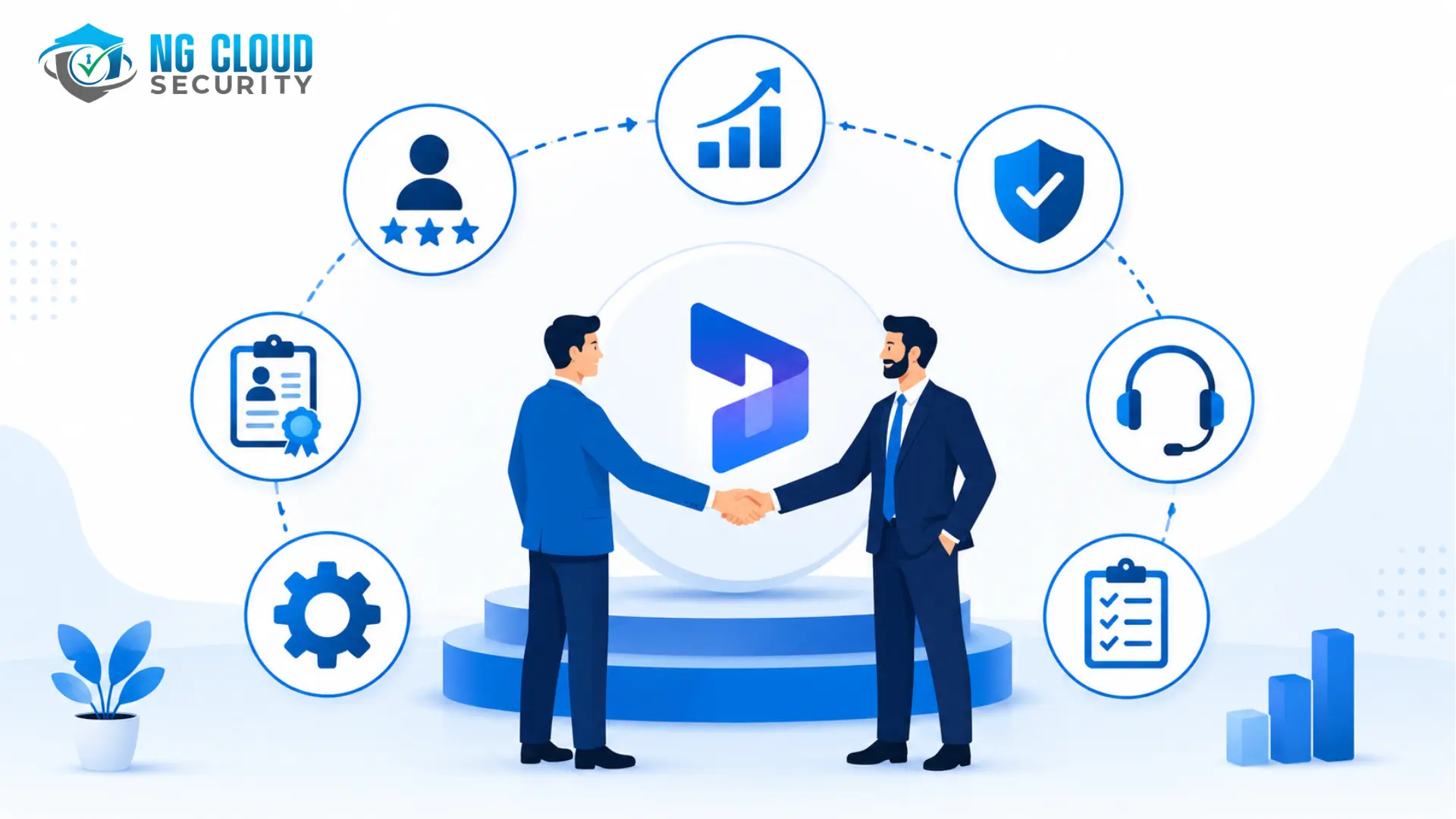
Key Factors to Consider Before Hiring a Dynamics 365 Implementation Partner
Choosing among the best Microsoft Dynamics 365 consulting providers is one of the most consequential decisions in any ERP or CRM transformation — and the data backs that up. Gartner research indicates that fifty-five to seventy-five percent of ERP projects fail to meet their original business objectives, and separate industry analysis puts average cost overruns well above the original budget on troubled projects. The difference between the failures and the successes is rarely the software. It’s almost always the implementation partner.
Microsoft builds the platform. Your partner decides how well it actually fits your business, how safely your data migrates, how quickly your team adopts it, and whether the environment is still secure and supportable two years after go-live. With thousands of Dynamics 365 partners worldwide, ranging from boutique specialists to global system integrators, the evaluation process itself is often where projects are won or lost — long before a single line of configuration gets written.
This guide walks through everything to check before you sign: what a partner actually does, the factors that predict success, the red flags that predict failure, a practical checklist, and how long a proper evaluation should take.
What a Dynamics 365 Implementation Partner Actually Does
A Dynamics 365 implementation partner is responsible for configuring, customizing, migrating data into, and deploying the platform for your business, then supporting it afterward. That scope typically spans discovery and requirements gathering, solution architecture, data migration from legacy systems, integration with tools you already use, user training, and a post-go-live support model.
Here’s the uncomfortable truth: Microsoft’s platform is only as good as the implementation underneath it. “We bought Dynamics 365 and it doesn’t work the way our business works” is almost never a product problem. It’s a partner problem — and it’s usually traced back to a vendor selection process that skipped one or more of the checks below.
Why Vendor Selection Goes Wrong
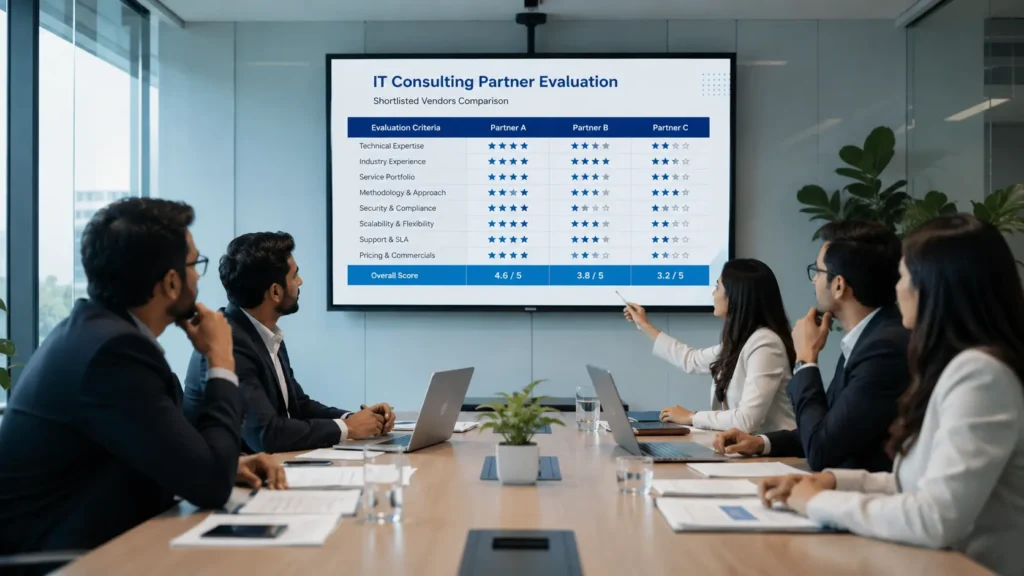
Most businesses don’t end up with a bad partner on purpose. They end up with one because the evaluation process skipped the things that actually predict long-term success:
- Choosing based on price alone, without checking the scope assumptions behind the quote
- Assuming any “Microsoft Partner” badge signals the same level of certification
- Skipping reference calls, or only speaking with references the vendor hand-picked
- Never asking who will actually staff the project versus who ran the sales pitch
- Not asking what happens after go-live until a problem forces the question
The businesses that end up happiest with their implementation are consistently the ones who spent real time on evaluation before signing — not the ones who moved fastest.
Seven Key Factors to Evaluate Before You Sign
Each factor builds on the one before it. Start with fit and credentials, then move into how the partner actually delivers and supports the project long after go-live.
1. Industry-Specific Experience
A generic implementation is rarely a good implementation. Industry experience means the partner already understands your compliance requirements, standard workflows, and the edge cases that trip up first-timers.
What to check:
- Has the partner deployed Dynamics 365 for businesses in your sector — manufacturing, retail, healthcare, financial services, or field service?
- Can they name specific compliance or workflow requirements unique to your industry, unprompted?
- Will they provide references from your industry specifically, not just a generic case study library?
Common Mistake: Choosing a partner based on overall company size rather than depth of experience in your specific industry. A large firm with no vertical experience often underperforms a smaller specialist.
2. Microsoft Solutions Partner Designation
Microsoft retired its old Gold and Silver Competency badges in 2022 and replaced them with the Solutions Partner framework — an audited scorecard covering performance, skilling, and verified customer success.
What to check:
- Does the partner hold current “Solutions Partner for Business Applications” status?
- Have they earned a Specialization tied to Dynamics 365 implementation — a credential that requires independent technical review, not a self-declared badge?
- Can you verify their status directly in Microsoft’s official partner directory?
Common Mistake: Taking a partner’s “Microsoft Certified” claim at face value. Verifying Solutions Partner status takes thirty seconds and most buyers never do it.
3. A Structured, Repeatable Implementation Methodology
A partner relying on ad-hoc processes introduces risk at every stage of the project.
What to check:
- Can they walk you through discovery, solution design, configuration versus custom development, testing, training, and go-live in specific terms?
- Do they show how the methodology adapts per client, rather than reciting a generic slide?
- Is there a documented project plan template they’ll share before you sign?
4. Data Migration and Integration Capability
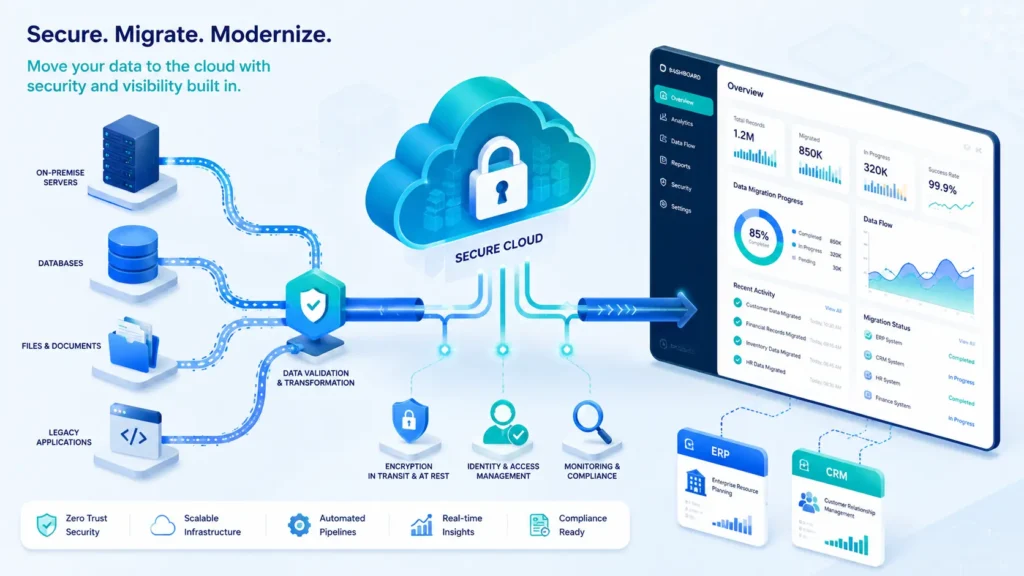
Most Dynamics 365 projects aren’t greenfield — they involve moving data out of legacy ERP or CRM systems and integrating with tools you already use, such as Power BI, Azure services, and industry-specific ISV add-ons.
What to check:
- How do they handle data cleansing and historical record integrity during migration?
- What’s their track record integrating with your existing tech stack?
- Who owns data security and access controls during and after migration — is this addressed at all, or assumed?
Common Mistake: Treating data migration as a pure IT task with no security review. Migrated data often lands with broader access permissions than the legacy system had, and nobody checks.
5. Post-Go-Live Support Model
Go-live is the beginning of the relationship, not the end.
What to check:
- What are the defined response times and escalation paths after launch?
- How are new modules, users, or workflow changes handled as the business grows?
- Is ongoing optimization included, or does every change trigger a new statement of work?
6. Transparent Licensing and Cost Guidance
Dynamics 365 licensing is genuinely complex, and the wrong bundle can cost significantly more over the platform’s lifetime.
What to check:
- Can the partner clearly map your licensing needs to actual usage, not just recommend the largest bundle?
- Do they explain the difference between professional and enterprise licenses, and CSP versus Enterprise Agreement, in plain terms?
- Is the quote itemized, or a single bundled number with no breakdown?
7. Cultural Fit and Communication
Technical skill alone doesn’t guarantee a smooth project. Your team will work closely with this partner for months.
What to check:
- How responsive and transparent is the partner during the sales process — this is usually how they’ll run your project
- Will the people who ran the sales pitch actually staff the implementation?
- Do their project management style and reporting cadence match how your team actually works?
Not Sure How to Evaluate Your Dynamics 365 Shortlist?
NG Cloud Security reviews proposed Dynamics 365 implementation plans against security and delivery best practices, flags the gaps most buyers miss, and gives you a clear, defensible recommendation.
Red Flags vs. Green Flags
| Signal | Red Flag | Green Flag |
| Credentials | “Microsoft Certified” claimed but not verifiable in Microsoft’s directory | Current Solutions Partner status, verifiable and specialization-backed |
| Pricing | Single bundled number, no scope breakdown | Itemized quote tied to specific deliverables and licensing needs |
| References | Only vendor-selected references offered | Willing to connect you with clients in your specific industry |
| Staffing | Sales team disappears after contract signing | Named delivery team introduced before kickoff |
| Support | Support model undefined until you ask | Clear post-go-live SLA and escalation path in writing |
DIY Research vs. a Guided Evaluation
| Signal | DIY Research | Guided Evaluation |
| Coverage | Catches obvious gaps (certifications, pricing) | Full evaluation across credentials, methodology, security, and support |
| Time required | Several weeks, part-time, competing with daily work | Delivered as a focused, structured engagement |
| What’s missed | Security posture of the proposed implementation, hidden scope gaps | Nothing — evaluated against a structured framework |
| Decision support | You’re on your own | Prioritized recommendation with reasoning you can defend internally |
Our honest take: if you have in-house IT or procurement with time to dedicate, start with the checklist below — it catches the most common gaps. If this is a significant investment, or security and compliance matter to your business, a guided evaluation surfaces the gaps a DIY pass typically misses, particularly around data security in the proposed migration and integration plan.
Your Practical Partner Evaluation Checklist
Credentials
- Current Microsoft Solutions Partner for Business Applications status verified
- Relevant Specialization confirmed, not just self-declared
- Named certified consultants who will staff the project
Experience
- Client references from your specific industry
- Case studies with measurable outcomes, not just testimonials
Methodology
- Documented project plan shared before contract signing
- Data migration and security approach explained in specific terms
- Integration experience with your existing tech stack confirmed
Commercial
- Itemized quote covering licensing, implementation, and support separately
- Licensing recommendation matched to actual usage, not upsold
Support
- Post-go-live support model and SLA defined in writing
- Process for adding modules or users as the business grows confirmed
How Long Should Partner Selection Take?
- Initial shortlist and credential verification: one to two weeks
- Vendor conversations, demos, and reference calls: two to four weeks
- Final evaluation and contract negotiation: one to two weeks
If you’re planning to roll out Microsoft Copilot alongside Dynamics 365, move security review higher on your priority list during selection. Copilot inherits existing data permissions, so any oversharing or weak access control baked in during implementation becomes something Copilot can surface directly in a search result, not just a theoretical risk.
Why Security Should Be Part of Partner Selection
Most Dynamics 365 partners treat security as an afterthought, audited after go-live if at all. That gap matters more than most buyers realize: Dynamics 365 environments routinely hold sensitive financial records, customer data, and operational details, all of which inherit whatever access model gets set up during implementation.
NG Cloud Security builds security review into the partner evaluation itself — checking how a proposed vendor plans to handle access controls, data migration, and integrations before you sign, not after something goes wrong. That’s the difference between a partner who bolts security on later and one who architects it in from day one.
Frequently Asked Questions
What is the most important factor when choosing a Dynamics 365 implementation partner?
Verified industry experience combined with a current Microsoft Solutions Partner designation is the strongest single indicator of a reliable provider.
How do I verify a partner’s Microsoft credentials?
Look up the partner’s current Solutions Partner status and any Specializations directly through Microsoft’s official partner directory rather than relying on their website claims.
What’s the difference between Solutions Partner and the old Gold/Silver certifications?
Microsoft retired Gold and Silver Competencies in 2022. Solutions Partner status is now earned through an audited scorecard covering performance, skilling, and verified customer success — not self-reported claims.
How long does a typical Dynamics 365 implementation take?
Mid-market implementations typically run three to nine months, depending on customization, data migration complexity, and the number of modules deployed.
Why does security matter when choosing a Dynamics 365 partner?
Dynamics 365 often holds sensitive financial and customer data. A partner who designs access controls and data migration with security built in reduces the risk of breaches or compliance gaps after go-live.
Should I hire the cheapest Dynamics 365 partner on my shortlist?
Not automatically. Compare itemized quotes against scope, not just the bottom-line number — a lower quote that excludes data migration security review or post-go-live support often costs more once those gaps surface.
Ready to Choose the Right Dynamics 365 Partner?
Talk to our cybersecurity specialists about vetting Dynamics 365 implementation partners, security-first ERP deployment, and managed Microsoft 365 security services tailored to your organization.
