
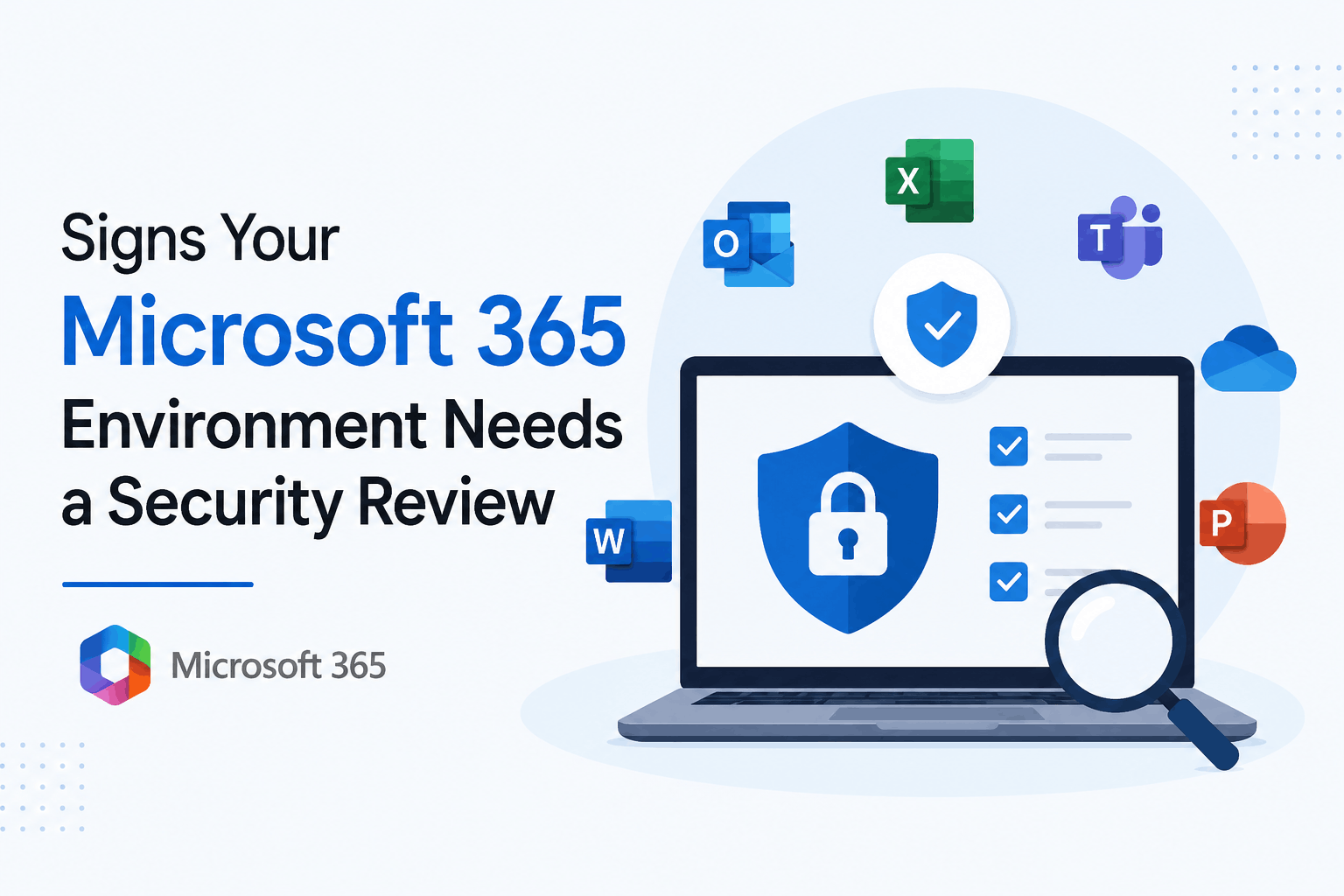
Signs Your Microsoft 365 Environment Needs a Security Review
Microsoft 365 has become an essential platform for modern businesses. Organizations use it for email communication, file sharing, collaboration, identity management, and daily operations. While Microsoft provides powerful security capabilities, many businesses still leave gaps in their cloud environment due to incorrect configurations, outdated policies, or limited visibility.
A secure Microsoft 365 environment requires continuous monitoring and regular improvements. A Microsoft Office 365 security audit helps organizations identify security weaknesses, access risks, compliance issues, and configuration problems before they become major incidents.
Based on my experience helping businesses strengthen their cloud security posture, I have seen that many security problems are not caused by a lack of tools. They happen because existing Microsoft 365 security features are not configured or reviewed properly.
Here are the key signs that your Microsoft 365 environment needs a security review.
1. Your Microsoft 365 Security Settings Have Not Been Reviewed Recently
Microsoft 365 environments constantly change. New users are added, employees leave, applications are connected, and business requirements evolve.
Without regular reviews, security controls may no longer match your organization’s needs.
A security assessment should review important areas including:
- Identity protection policies
- Multi factor authentication configuration
- Conditional access rules
- User permissions
- Device security settings
- Data sharing controls
Regular reviews help ensure your Microsoft 365 environment follows modern cloud security practices and reduces unnecessary exposure.
For organizations looking to strengthen their overall configuration, reviewing Microsoft 365 security posture best practices can help identify important improvement areas.
Need help reviewing your Microsoft 365 security?
2. Too Many Users Have Administrative Access
One common security issue in Microsoft 365 is excessive privilege access.
Administrator accounts provide access to critical business resources. If too many users have elevated permissions, attackers have a higher chance of causing damage after compromising an account.
During a Microsoft 365 security review, organizations should check:
- Unused admin accounts
- Excessive permissions
- Shared accounts
- Privileged role assignments
Applying least privilege access ensures users only receive the access they actually need.
A strong identity strategy also includes reviewing tools like Microsoft Entra ID, which helps organizations improve authentication, access control, and identity protection.
3. You See Suspicious Login Activities
Unexpected login activity can indicate that attackers are attempting to access your Microsoft 365 environment.
Common warning signs include:
- Login attempts from unknown locations
- Multiple failed sign in attempts
- Access from unmanaged devices
- Unusual user behavior
Security monitoring and identity analytics help detect these activities early.
Organizations should regularly review authentication logs, sign in reports, and risk indicators to prevent account compromise.
4. Your Email Security Protection Is Weak
Email remains one of the biggest attack targets for businesses. Phishing attacks, malware attachments, and business email compromise attempts often begin through compromised messages.
A Microsoft Office 365 security audit should include an evaluation of email security controls such as:
- Anti phishing policies
- Spam protection
- Safe links protection
- Safe attachment scanning
- Domain authentication policies
Improving email security helps reduce the chances of credential theft and unauthorized access.
Businesses can also review their email security strategy through dedicated email security best practices to improve protection against modern threats.
5. Employees Share Sensitive Data Without Proper Controls
Microsoft 365 makes collaboration easy through SharePoint, OneDrive, and Teams. However, incorrect sharing settings can expose sensitive business information.
Common risks include:
- Public sharing links
- External users with unnecessary access
- Old guest accounts
- Poor document permissions
A security review helps identify where sensitive information is stored, who can access it, and whether sharing policies are properly enforced.
Organizations handling sensitive information should also consider Microsoft Purview solutions for better data protection and compliance management.
6. You Lack Visibility Into Your Microsoft 365 Security Health
Many organizations only investigate security after an incident happens. Without proper visibility, it becomes difficult to understand current risks.
A Microsoft 365 security review provides insights into:
- Security configuration gaps
- Identity risks
- Compliance concerns
- Data protection issues
- Operational improvements
A proactive approach allows businesses to fix weaknesses before attackers find them.
7. Your Business Has Recently Changed
Business growth often creates new security challenges.
Changes such as employee expansion, remote work adoption, cloud migration, and new applications can impact your security posture.
After major changes, it is important to review:
- User access policies
- Device compliance
- Application permissions
- Data protection settings
A secure Microsoft 365 environment should support business growth without creating unnecessary cyber risks.
Strengthen Your Microsoft 365 Security Before Problems Occur
Microsoft 365 security is not a one time setup. It requires continuous assessment, monitoring, and improvement.
A detailed microsoft office 365 security audit helps organizations understand their current security position and create a stronger protection strategy.
Whether your business manages a small Microsoft 365 environment or a complex enterprise setup, regular reviews improve identity protection, data security, compliance readiness, and threat prevention.
Working with experienced security professionals can help you identify hidden risks, optimize Microsoft security tools, and build a safer cloud environment.
Improve your Microsoft 365 security with expert guidance.
