
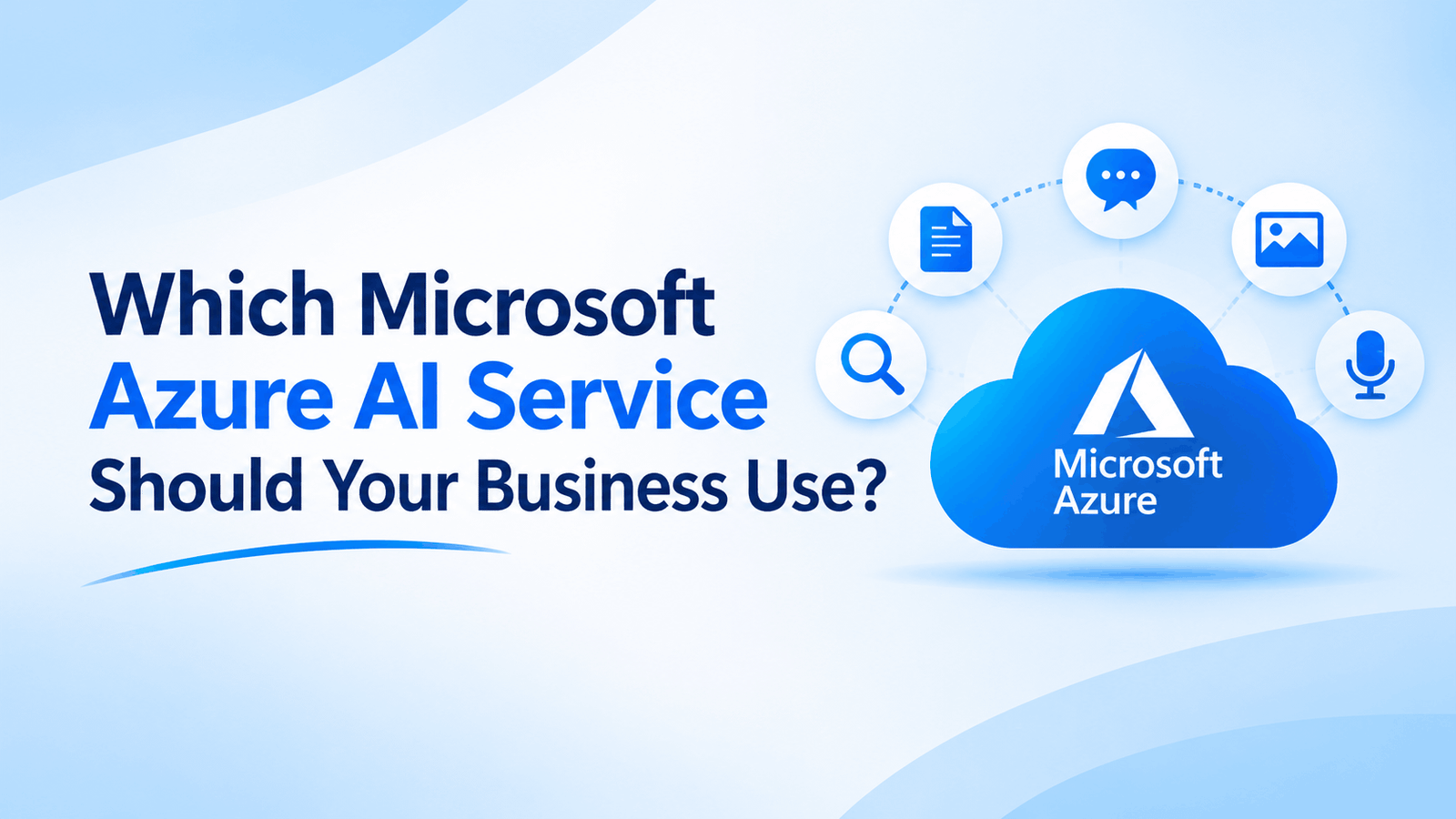
Which Microsoft Azure AI Service Should Your Business Use?
A business may have years of customer records, financial documents, operational reports and internal knowledge stored across different systems. The challenge is not necessarily a lack of information. It is being able to use that information effectively.
This is where Microsoft Azure AI becomes relevant. However, choosing an AI service based on its features alone can lead to unnecessary spending, complicated integrations and solutions that employees rarely use.
In our approach to cloud and security consulting, we look at AI adoption from a business and infrastructure perspective. Before recommending a technology, we want to understand what the organization is trying to improve, where its data resides, who needs access to it and what security requirements must be maintained.
Let’s look at the major Azure AI capabilities and, more importantly, where each one makes sense for a business.
Understanding the Microsoft Azure AI Ecosystem
Microsoft’s AI ecosystem has evolved beyond individual cognitive services. Microsoft Foundry now brings together AI models, development tools, agents, evaluation and governance capabilities.
The important distinction is that not every AI requirement needs a generative AI model. Sometimes a document extraction service or an intelligent search solution can solve the problem more efficiently.
Here are the capabilities worth evaluating.
1. Microsoft Foundry and Azure OpenAI Models
If your objective is to build an AI assistant, automate content generation or develop an application that understands natural language, start by evaluating Microsoft Foundry and its model catalogue.
These models can support business applications such as internal assistants, document summarization, customer service automation and intelligent workflows.
Where it makes sense: Consider a professional services company where employees regularly search lengthy project documents, prepare proposals and respond to customer queries. A generative AI application can help with these activities when connected to approved business information.
My recommendation is not to deploy a chatbot simply because the technology is available. First identify the information it should access and the actions it should be allowed to perform.
2. Azure AI Search
This is particularly useful when an organization has information spread across SharePoint, internal databases, documents and business applications.
Azure AI Search provides keyword, semantic and vector search capabilities. It can also support retrieval augmented generation, commonly known as RAG, where an AI model retrieves relevant information before generating an answer.
Where it makes sense: Imagine an IT team receiving repeated questions about access policies, configuration procedures and troubleshooting documentation. Instead of searching multiple repositories manually, employees could use a natural language interface to retrieve relevant information.
One important consideration is access control. An AI assistant should not expose documents to employees who would not otherwise have permission to view them.
3. Azure AI Document Intelligence
Organizations dealing with invoices, contracts, purchase orders and application forms can benefit from document extraction and processing.
Document Intelligence identifies text, tables, fields and other structured information within documents.
Where it makes sense: A finance department receiving hundreds of supplier invoices can use this service to extract invoice numbers, payment amounts and supplier details before passing the information into an accounting workflow.
The real value is not simply extracting text. It is reducing repetitive data entry while retaining appropriate human review for exceptions and financial approvals.
4. Azure AI Language and Speech
These services address different communication requirements.
Azure AI Language supports language related processing, while Azure Speech provides capabilities such as speech recognition, text to speech and speech translation.
For example, a customer support operation can use speech transcription to convert calls into searchable records. Language processing can then help analyze customer conversations and identify recurring concerns.
This becomes particularly useful for organizations handling customer interactions across multiple languages or communication channels.
5. Azure AI Vision and Content Understanding
Businesses that work with images, videos and other visual information should evaluate these capabilities.
Azure Vision can analyze visual content, while Azure Content Understanding helps extract structured information from different types of media.
Consider a manufacturing business that needs to review product images or a logistics company processing visual records. These capabilities can help automate parts of the review process.
The service selection depends on the actual requirement. Image classification, text extraction and broader content understanding are not interchangeable tasks.
6. Azure AI Content Safety
Generative AI introduces another concern: what happens when users submit inappropriate content or an AI application produces an unsafe response?
Content Safety helps detect potentially harmful text and image content. It can form part of the moderation controls within an AI application.
For businesses building customer facing assistants, this should be considered during solution design rather than added after deployment.
7. Azure Machine Learning
Not every business problem can be solved using a prebuilt AI model.
Azure Machine Learning is worth considering when an organization needs to develop, train, deploy and manage custom machine learning models.
For example, a business may want to forecast demand using historical operational data or develop a predictive model based on its own datasets.
This requires more attention to data preparation, model evaluation and ongoing monitoring than simply integrating an existing AI API.
How Should You Choose the Right Azure AI Service?
Here is how I would approach the selection based on common business requirements:
| Business requirement | Capability to evaluate |
| Build an internal AI assistant | Microsoft Foundry and Azure AI Search |
| Extract invoice and contract information | Document Intelligence |
| Analyze customer conversations | Language and Speech |
| Process images and videos | Vision and Content Understanding |
| Moderate AI generated content | Content Safety |
| Build custom predictive models | Azure Machine Learning |
These are starting points, not fixed architectures. A production solution may require several services working together.
For instance, an internal knowledge assistant could combine Foundry Models, Azure AI Search, identity controls and content safety. The model generates the response, search retrieves relevant information, and identity controls help determine which information the employee can access.
What Should Businesses Check Before Implementing Azure AI?
This is where technology selection needs to become an IT strategy decision.
Before deploying an AI solution, evaluate 4 areas:
Data readiness: Is the information accurate, organized and suitable for AI processing? Poor quality source data will affect the usefulness of the output.
Identity and access: Are users accessing only the information they are authorized to see? Review authentication, permissions and privileged access.
Data protection: Identify sensitive information, including personal and confidential business data. Evaluate encryption, data handling and retention requirements.
Governance and monitoring: Establish ownership, acceptable usage policies, output evaluation and ongoing monitoring.
These considerations become especially important when AI applications connect to Microsoft 365, SharePoint and enterprise data repositories.
If you are planning a wider AI rollout, our Microsoft AI Security Assessment can help you evaluate security considerations before expanding AI adoption.
Final Thoughts
Choosing an Azure AI service is less about finding the most advanced model and more about identifying the right technology for a specific business requirement.
Start with one practical use case, assess the available data, establish security boundaries and validate the outcome before expanding the implementation.
At NG Cloud Security, we believe AI adoption should be treated as part of a broader cloud and security strategy, not as an isolated technology deployment.
If your organization is evaluating Microsoft AI solutions, talk to our team to discuss your requirements, implementation priorities and security considerations.
